
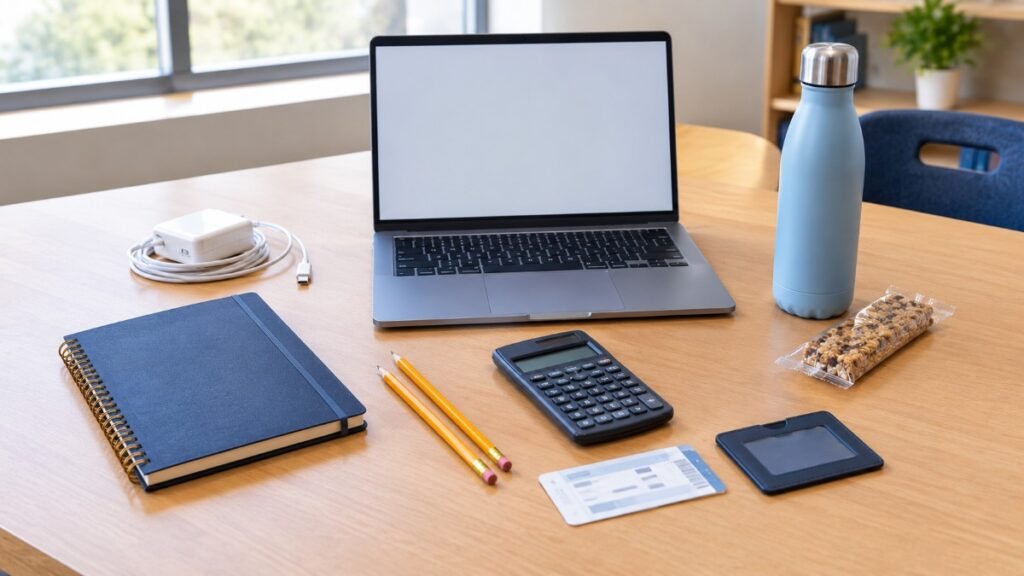
The night before the SAT, the last thing you want is to discover that your laptop isn’t charged, your admission ticket isn’t ready, or you’re unsure whether your ID will be accepted.
A little preparation can prevent a lot of unnecessary stress.
Because the SAT is now digital, the test-day checklist looks different from older guides written for the paper-based exam. For SAT Weekend, you’ll need an approved testing device with Bluebook installed and exam setup completed, your current admission ticket, and an acceptable physical photo ID. A pencil or pen for scratch work is also recommended.
You may also want to bring a charger, an approved handheld calculator, and a snack or drink for the scheduled break. Some electronics, including smartwatches and wireless earbuds, are prohibited during testing.
This guide explains what to pack, what to leave at home, and how to check that you’re ready before you leave for the test center.
What to Bring to the SAT Test: Essentials at a Glance
Use this checklist when packing the night before your exam. These recommendations focus on the standard SAT Weekend administration; students taking the SAT through their school should follow their school’s specific instructions.
| Item | Required or Optional? | Why It Matters |
|---|---|---|
| Approved laptop or tablet | Required, unless a device is provided | Runs the digital test in Bluebook |
| Bluebook installed and exam setup completed | Required | Prepares your device and generates your ticket |
| Current SAT admission ticket | Required | Used during check-in |
| Acceptable physical photo ID | Required for SAT Weekend | Confirms your identity |
| Pencil or pen | Recommended | For scratch work |
| College Board username and password | Bring them | Useful if you need to sign in |
| Power cord or portable charger | Recommended | An outlet may not be available |
| Approved handheld calculator | Optional | Bluebook includes a built-in calculator |
| Snack and drink | Optional | For the scheduled break |
| Simple watch without an audible alarm | Optional | May help you keep track of break time |
| Bag or backpack | Optional | Helps carry and store belongings |
For the current official list, see College Board’s SAT test-day checklist. If an item is not listed as permitted, don’t assume that you can use it in the testing room.
1. Bring an Approved Testing Device
The digital SAT requires an approved laptop or tablet unless College Board has arranged to lend you a device. A phone cannot be used to take the test.
Compatible devices may include supported Windows or Mac laptops, iPads, Windows tablets, and school-managed Chromebooks. Device compatibility can depend on the operating system, school management settings, and College Board’s current requirements, so check the official device guidance before test day.
Charge your device fully
College Board recommends bringing a device that can stay charged for approximately three to four hours. The device needs to remain powered during check-in, instructions, and testing, not just for the 2 hours and 14 minutes of timed test sections.
Charge your device overnight. If you have a power cord or portable charger, pack it as a backup. College Board cannot guarantee that you’ll have access to an electrical outlet at your seat.
Don’t wait until the morning of the test to discover that your charger is missing or your battery isn’t holding a charge.
Install Bluebook and complete exam setup
Bluebook is the application used to deliver the digital SAT. Download it in advance, open it, and follow the instructions for preparing your testing device.
For SAT Weekend, exam setup becomes available during the five days before the test. Once you’ve completed it, you’ll be able to access your admission ticket.
Open Bluebook again on test morning to check for any last-minute messages or updates. Make sure the device can connect to the test center’s Wi-Fi and follow any instructions that appear on screen.
Our Bluebook College Board guide provides more background on the testing application.
What if you need to borrow a device?
If you don’t have an approved testing device, check College Board’s device-loan rules well ahead of time. Requests for a loaned device need to be made at least 30 days before test day.
Students approved to borrow a College Board device are instructed to arrive at approximately 7:15 a.m. for the standard Saturday schedule, earlier than students bringing their own devices. Confirm the arrival time printed on your ticket.
2. Bring Your SAT Admission Ticket
Your current SAT admission ticket is one of the most important things to have ready for check-in.
For SAT Weekend, you can access the ticket after completing exam setup in Bluebook. College Board makes exam setup available one to five days before test day. Printing your ticket is preferred, so prepare a paper copy in advance if possible.
Check the ticket carefully before leaving home. Make sure the details are correct and that you know the address and arrival time for your test center.
If you make a registration change, you may need to complete exam setup again to obtain an updated ticket. Don’t assume an older copy will contain the latest information.
If you’re taking the SAT through your school, your counselor or testing coordinator may provide different sign-in instructions. Follow the instructions for your specific administration.
If you haven’t registered yet, our SAT registration guide can help you understand the process.
3. Bring an Acceptable Physical Photo ID
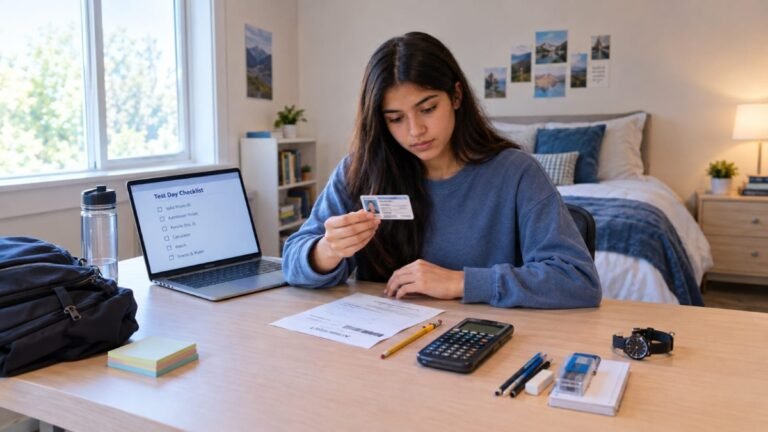
For SAT Weekend, you’ll need an acceptable, original physical photo ID. A digital ID on your phone is not accepted as a substitute.
Your ID must meet College Board’s requirements. In general, it should be valid and unexpired, have a recent and recognizable photograph, and show your full legal name exactly as it appears on your admission ticket. The document must also be in acceptable condition, with legible information.
Examples of acceptable identification for eligible U.S. students include a government-issued driver’s license or identification card, a current school-issued student ID, and a passport. Not every card with your name and photo qualifies, so check the official rules before test day.
One of the easiest mistakes to avoid is a name mismatch. If your registration uses your full legal name but your ID displays a different name, contact College Board for guidance before the test.
Keep your ID with you during the administration, including the scheduled break. Staff may need to check it again when you return to the testing room.
Review the official SAT ID requirements before test day. Our SAT ID requirements guide provides additional preparation help.
4. Bring a Pencil or Pen for Scratch Work
Although the SAT is digital, writing things down can still help you solve problems.
You may want to work through an algebra equation, make a quick sketch, or jot down a few notes while thinking through a Math question. A regular pencil or pen is sufficient; it does not need to be a No. 2 pencil.
The test center supplies scratch paper. Don’t bring your own sheets of paper, notebooks, or personal notes to use during testing. Follow the proctor’s instructions about how the supplied paper must be returned.
The key is to bring a simple writing utensil without filling your bag with unnecessary school supplies.
5. Bring a Calculator if You Prefer One
The SAT allows a calculator throughout the Math section, but bringing a handheld calculator is optional. Bluebook includes an embedded calculator with scientific and graphing options.
Some students prefer a familiar handheld calculator because they already know its functions. If that’s you, check that your model is permitted and practice with it before test day.
College Board restricts certain calculator features, including computer algebra system capabilities. You may also be asked to clear saved formulas from your calculator before testing.
Do not plan to use a calculator app on your phone. Your phone is not an approved SAT testing device, and prohibited electronics cannot be accessed during the test or breaks.
Check the official SAT calculator policy to confirm whether your calculator is permitted.
6. Bring a Charger or Portable Power Source
A charger is useful even when you’ve fully charged your device.
College Board does not guarantee that a power outlet will be available where you’re seated. Pack the right charging cable for your laptop or tablet, and bring a portable charger if you have a suitable one.
Before test day, check that the cable works and that your device’s battery can last through the full visit to the test center.
You may also bring a compatible external mouse and mouse pad if you normally use them. An external keyboard is allowed with tablets, but not with laptops. Check College Board’s current testing rules before bringing accessories.
7. Bring a Snack and Drink for the Break
The standard SAT has one scheduled 10-minute break between Reading and Writing and Math. A small snack and a drink may be helpful if you get hungry or thirsty during the test.
Choose something familiar, easy to eat, and unlikely to make a mess. Water is a simple option. Keep your snack and drink stored as instructed, and consume them only during the permitted break.
Ten minutes isn’t a long time, so avoid bringing anything that requires preparation or takes a while to eat.
During the break, follow the proctor’s directions, keep your ID with you, and leave prohibited electronics untouched. You should not assume that you can use your phone just because you’re between sections.
8. Can You Bring a Watch?
A simple watch without an audible alarm may be allowed. Smartwatches, fitness trackers, and other wearable electronic devices are prohibited unless an approved accommodation applies.
Bluebook already includes a timer showing how much time remains in each section. You don’t need a watch to see your testing time, but a basic watch may be useful for monitoring your break.
If you’re unsure whether your device qualifies as a simple watch, it’s safer to leave it at home.
What Should You Leave at Home?
Knowing what not to bring is just as important as packing the right items.
Cellphones
You may bring your phone to the test center, but it cannot be used to take the SAT. Testing staff will collect it or require you to store it away from your desk during testing and breaks.
The safest approach is to turn it off and follow the proctor’s storage instructions. Don’t check messages, take photos, or use it to access information during the administration.
College Board warns that accessing a prohibited device—or having one make noise—can lead to dismissal and score cancellation.
Smartwatches, wireless earbuds, and other electronics
Smartwatches, fitness trackers, Bluetooth earbuds, wireless headphones, cameras, and other unauthorized electronic devices are prohibited during testing.
There are exceptions for certain approved accommodations. For example, students approved for embedded text-to-speech must bring their own wired, non-Bluetooth headphones. If you’re using assistive technology, follow the exact instructions provided with your accommodation.
Do not assume wireless headphones or a wearable device are acceptable simply because you intend to leave them switched off.
Books, notes, and unapproved supplies
Leave textbooks, study notes, dictionaries, personal scratch paper, rulers, highlighters, and other unapproved materials at home.
Once testing begins, use only the materials and tools permitted by College Board and the test center. If you aren’t sure whether an item is allowed, check the official SAT testing rules before packing it.
What to Pack the Night Before
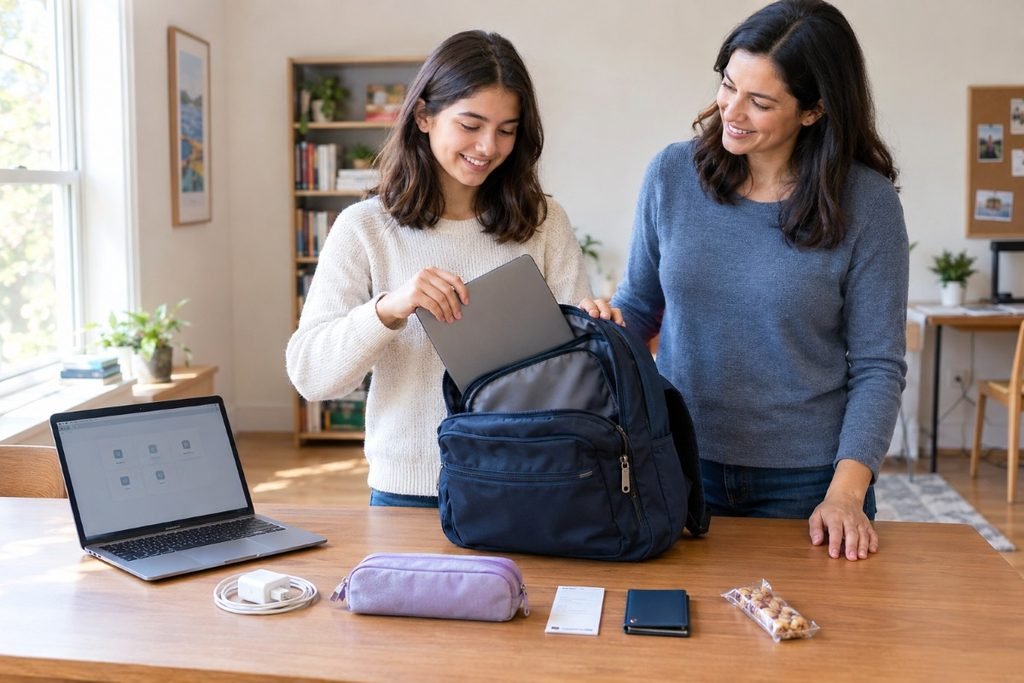
Instead of trying to remember everything on test morning, lay out your essentials the night before.
Check your device, Bluebook setup, admission ticket, physical ID, writing utensil, and charger. If you’re bringing a handheld calculator, confirm that it is permitted and working.
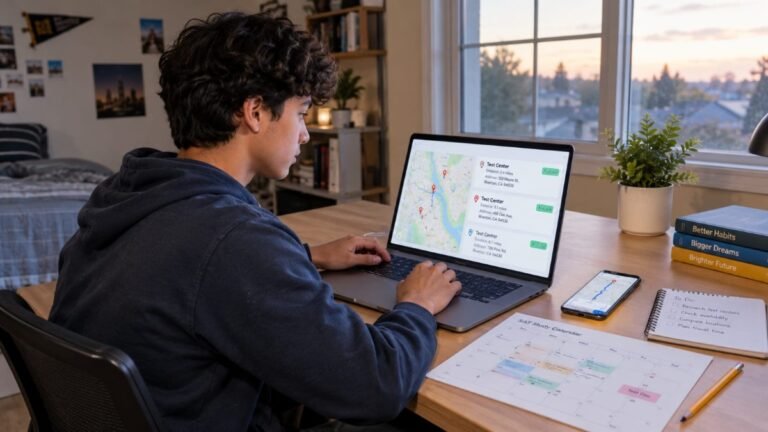
Put your snack and drink in your bag, and check your route to the test center. Our upcoming SAT dates guide can help you stay on top of the testing calendar, while the SAT test center information guide can help you plan your visit.
Also confirm the arrival time shown on your ticket. College Board’s sample Saturday schedule says test centers open at 7:45 a.m. and close their doors at 8:00 a.m., unless the ticket specifies otherwise. Students borrowing a College Board device have an earlier arrival time.
If you need a broader overview of the rules, our SAT requirements guide can help you prepare for the day.
What to Do on SAT Test Morning
Eat breakfast, leave with enough time to handle traffic or transit delays, and check your testing information before you go.
Open Bluebook on your device to check for any last-minute messages or test-center updates. Make sure the device is charged, your admission ticket is accessible, and you have your physical ID.
Check for test-center closures or changes as College Board recommends. If weather or another unexpected problem affects the location, the test-center information may change.
When you arrive, follow the check-in instructions. Show your admission ticket and ID when requested, and wait for the proctor to tell you where to go.
If you encounter a technical problem, tell the proctor or technology coordinator instead of trying to fix it on your own during the test.
How to Prepare for the Digital SAT Before Test Day
Packing the right supplies is only part of being ready. You should also know how to navigate the digital exam before arriving at the test center.
Take a full-length SAT practice test so you’re familiar with the two sections, timed modules, and digital tools. Practice with Bluebook’s calculator and review features. If you plan to bring your own calculator, use the same model during preparation.
If you still need help accessing your account, our College Board account creation guide can help you get started.
You may also want to read our companion guide, How Long Does the SAT Test Take?, which explains the testing duration, break, and expected finish time.
A little preparation makes test morning easier. When you already know what to bring, you can focus on the test instead of worrying about forgotten items.
Frequently Asked Questions
What do I need to bring to the SAT test?
For SAT Weekend, bring an approved testing device with Bluebook installed and exam setup completed, your current admission ticket, an acceptable physical photo ID, and a pencil or pen for scratch work. Bring your College Board login details, too. A charger and approved handheld calculator are useful but optional.
Do I need to print my SAT admission ticket?
College Board prefers a printed ticket. You can access the current ticket in Bluebook after completing exam setup during the five days before the test. Prepare the ticket in advance and check that its information is correct.
Can I bring my phone to the SAT?
You may bring a phone to the test center, but it must be stored as instructed and cannot be accessed during testing or breaks. If it makes noise or you attempt to use it, you may be dismissed and your scores may be canceled.
Do I need to bring my own calculator?
No. Bluebook includes an embedded calculator for the Math section. You may bring a permitted handheld calculator if you prefer.
Can I bring snacks and water?
Yes, you may bring a snack and drink for the scheduled break, following the test center’s instructions. Do not assume you can eat or drink at your desk during testing.
Do I need a No. 2 pencil for the digital SAT?
No. A regular pencil or pen is recommended for scratch work. You don’t need to bring your own scratch paper because the test center provides it.
Are smartwatches allowed on the SAT?
Smartwatches and fitness trackers are prohibited unless an approved accommodation applies. A simple watch without an audible alarm may be allowed.
What kind of ID do I need for the SAT?
For SAT Weekend, bring an acceptable, original physical photo ID. Its name must match your admission ticket, and the document must meet College Board’s validity and photo requirements.
What happens if my testing device isn’t charged?
Charge it fully the night before, and bring your power cord or a portable charger if possible. Since an outlet isn’t guaranteed, don’t rely on being able to charge at the test center. If a technical problem occurs, notify the proctor or technology coordinator.
Final Thoughts
Knowing what to bring to the SAT test can make the morning much less stressful. You don’t need a bag full of supplies; you need the right essentials, prepared in advance.
Start with your approved testing device, completed Bluebook setup, current admission ticket, acceptable photo ID, and pencil or pen. Charge your device, pack the charger if you have one, and prepare a snack for the scheduled break if you’d like one.
Leave prohibited electronics and unapproved materials out of the testing room, and check College Board’s current instructions whenever you’re uncertain about an item.
The simplest way to avoid a last-minute scramble is to pack the night before. That way, you can arrive ready, follow the check-in instructions, and concentrate on showing what you’ve learned.

No Comments